Portell Review: The Loom Alternative That Runs 100% in Your Browser

If you've been using Loom and suddenly found your bill jumping from a few hundred dollars a year to tens of thousands — you're not alone.
Since Atlassian acquired Loom in early 2024 for around $975 million, teams across the internet have been dealing with price increases, service outages, and a support team that's seemingly impossible to reach. Loom's Trustpilot rating collapsed to 1.5 out of 5 stars (based on 189 reviews, with 70% being one-star).
So when a product like Portell shows up promising "record, share, done" — with no install and a flat $9/month price — it's worth a proper look.
What Is Portell?
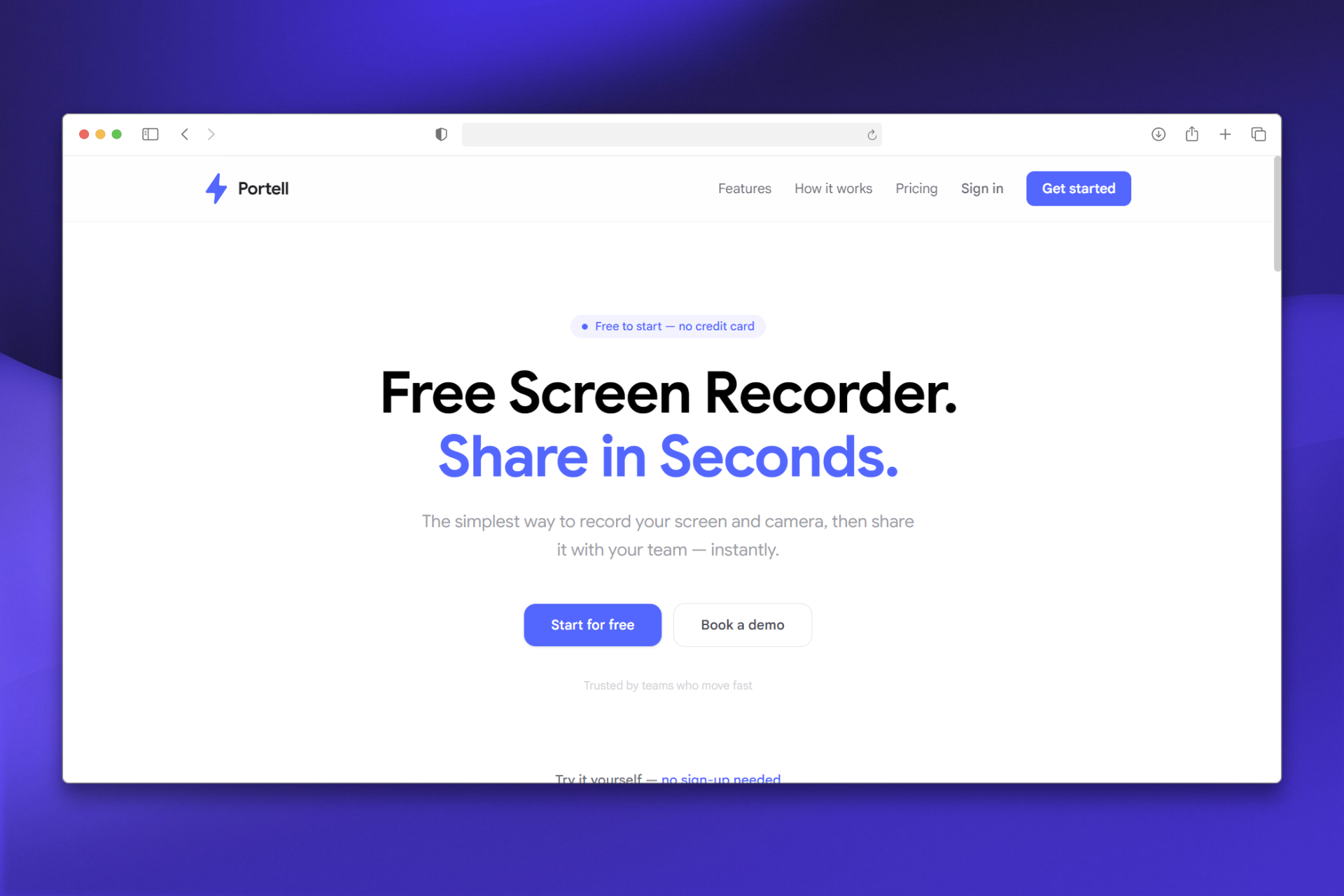
Portell is a browser-based async screen recording tool — a direct alternative to Loom. It's built by the same team behind Screen Script.
The headline feature: it runs 100% in your browser. No desktop app. No Chrome extension. No download. You open the tab, hit record, and get a shareable link in seconds.
That sounds simple, and it is. That simplicity is the entire point.
Getting Started
Signing up takes less than a minute. Once you're in, the recording interface is clean — you choose your source (screen, camera, or both), check your mic, and hit record.
The camera overlay appears as a draggable bubble, similar to Loom's floating cam. You can reposition it anywhere on screen. It works smoothly in Chrome, Edge, and Firefox on desktop.
There's no mobile recording support, which is worth noting upfront if your team records from phones or tablets.
Core Features Breakdown
Screen Recording
You can record a single browser tab or your full screen. The recording quality is solid, and the process doesn't require any permissions setup beyond the standard browser prompts.
On the free plan, recordings are capped at 5 minutes. Pro unlocks unlimited length. The 5-minute cap aligns with Loom's free plan, so it's a familiar tradeoff.
Camera + Screen Simultaneously
The screen-plus-camera mode works well. The draggable camera bubble is intuitive — you can move it to any corner without interrupting the recording. It's not doing anything Loom doesn't do, but it works without installing anything.
Instant Shareable Links
After recording, Portell uploads the video and generates a shareable link immediately. Viewers don't need an account to watch. That's a meaningful difference from tools that require the viewer to sign up or install something.
You can set visibility to public or private.
Team Workspaces
Free accounts get 1 workspace. Pro accounts get up to 5. If you're managing recordings across multiple projects or clients, the workspace structure keeps things organized.
Pricing: The Real Differentiator
This is where Portell makes its strongest case.
| Portell | Loom | |
|---|---|---|
| Free plan | Yes — 25 videos, 5-min cap | Yes — 25 recordings, 5-min cap |
| Paid plan | $9/mo flat | From $15/creator/mo |
| Annual discount | $7/mo (saves 22%) | Variable |
| Viewer seats | Always free | Paid seats on Business+ |
| Per-seat fees | None | Yes on paid plans |
The per-seat model is what burned Loom's users after the Atlassian acquisition. When Atlassian eliminated the "Creator Lite" tier, some teams saw bills jump from roughly $240/year to over $24,000/year overnight — a 100x increase.
Portell's pricing philosophy is explicit: creators pay, viewers are always free. No surprise billing. No seat counts. One flat rate.
For a small team of 5–10 people sharing async updates, that difference is significant over 12 months.
Portell vs. Loom: Head-to-Head
| Feature | Portell | Loom |
|---|---|---|
| 100% browser-based (no install) | Yes | No — desktop app recommended |
| Free plan | Yes | Yes |
| Pro price | $9/mo flat | From $15/creator/mo |
| Screen + camera recording | Yes | Yes |
| Instant shareable link | Yes | Yes |
| Team workspaces | Yes | Yes |
| Video analytics | Yes (both plans) | Yes (paid only, full features) |
| AI transcripts / summaries | No | Yes (paid) |
| Viewer comments & reactions | No | Yes |
| Slack / Notion integrations | No | Yes |
| Mobile recording | No | Yes (iOS + Android) |
| Per-seat viewer fees | No | Yes on Business+ |
Short verdict: Portell for simplicity and price. Loom for AI features and integrations.
Who Should Switch to Portell?
Portell fits you well if:
- You're hitting Loom's pricing wall and don't use the AI or integration features
- You want something your whole team can use without a "who's a creator, who's a viewer" billing conversation
- You're a solo creator, indie hacker, or small startup who can't justify $15–40/creator/month
- You value reliability — async video that works without outages
- You've never tried Loom and want to start with something free and install-free
Stick with Loom (or look elsewhere) if:
- AI transcripts and auto-chapters are part of your workflow
- Your team uses Slack or Notion integrations for video sharing
- You need to record from mobile
- You need timestamp comments and reactions from viewers
Final Take
Portell isn't trying to out-feature Loom. It's trying to be what Loom used to be before it became an enterprise product with enterprise pricing.
The browser-first approach removes the biggest friction point in async video — the install. The flat pricing removes the biggest pain point — the per-seat billing. And the three-step workflow (open tab, record, share) is genuinely that simple.
If you're shopping for a Loom replacement because your bill spiked, your recordings keep failing, or you're just looking for something lighter — Portell is the cleanest starting point I've found.
Try Portell for free at portell.app — no install required.
Interested in more tools like this? Foundout curates the best indie and SaaS products across categories — browse the latest listings at foundout.io.