Screen Script- A Promising Alternative to Screen Studio

Our first impressions of Screen Script
Product demos are one of the best ways to communicate the value of your product. As an indie hacker, I’ve always been fascinated by how well-made screen recordings can instantly capture attention. Long before I discovered Screen Studio, I used to wonder how those smooth, zoom-rich product demos were made.
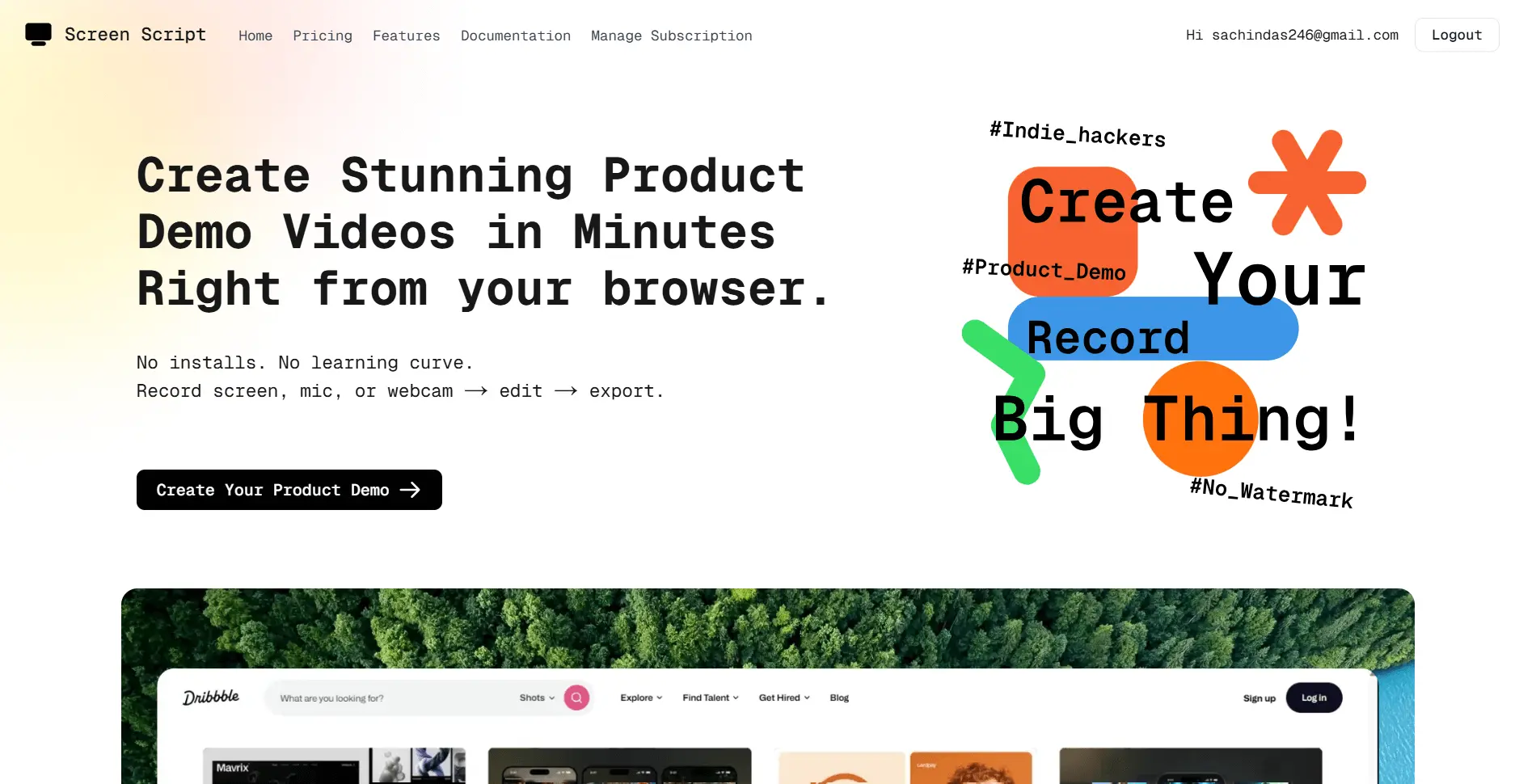
Recently, I came across Screen Script a browser-based alternative to Screen Studio that surprised me with how much it could do within a web app. Let’s take a closer look at what makes it interesting.
Discount code: Get 25% off – find it below!
Product Url: screenscript.app
Getting Started
The website has a clean and focused design that clearly communicates what the product does. The sign-up process is straightforward, and within a few clicks, you’re in the main app.
From there, you can head to the launcher and create your first project.
Recording
When you open a new project, you’re greeted by a simple, familiar interface it feels much like popular meeting apps such as Google Meet or Zoom. You’ll find cards for components like Screen Share, Camera, and Microphone, which can be toggled on or off as needed.
A small but handy feature I liked was auto-start devices, which saves time by remembering your previous setup. It’s a small touch, but it adds a lot to the overall experience.
Recording starts smoothly when you hit the record button. The only thing I initially missed was a countdown timer. However, after speaking with the dev team, they explained that trimming after recording makes countdowns less necessary and I actually agree with that reasoning.
Another feature I wished for was the ability to restart a recording. The team mentioned that it’s already in development.
Editor
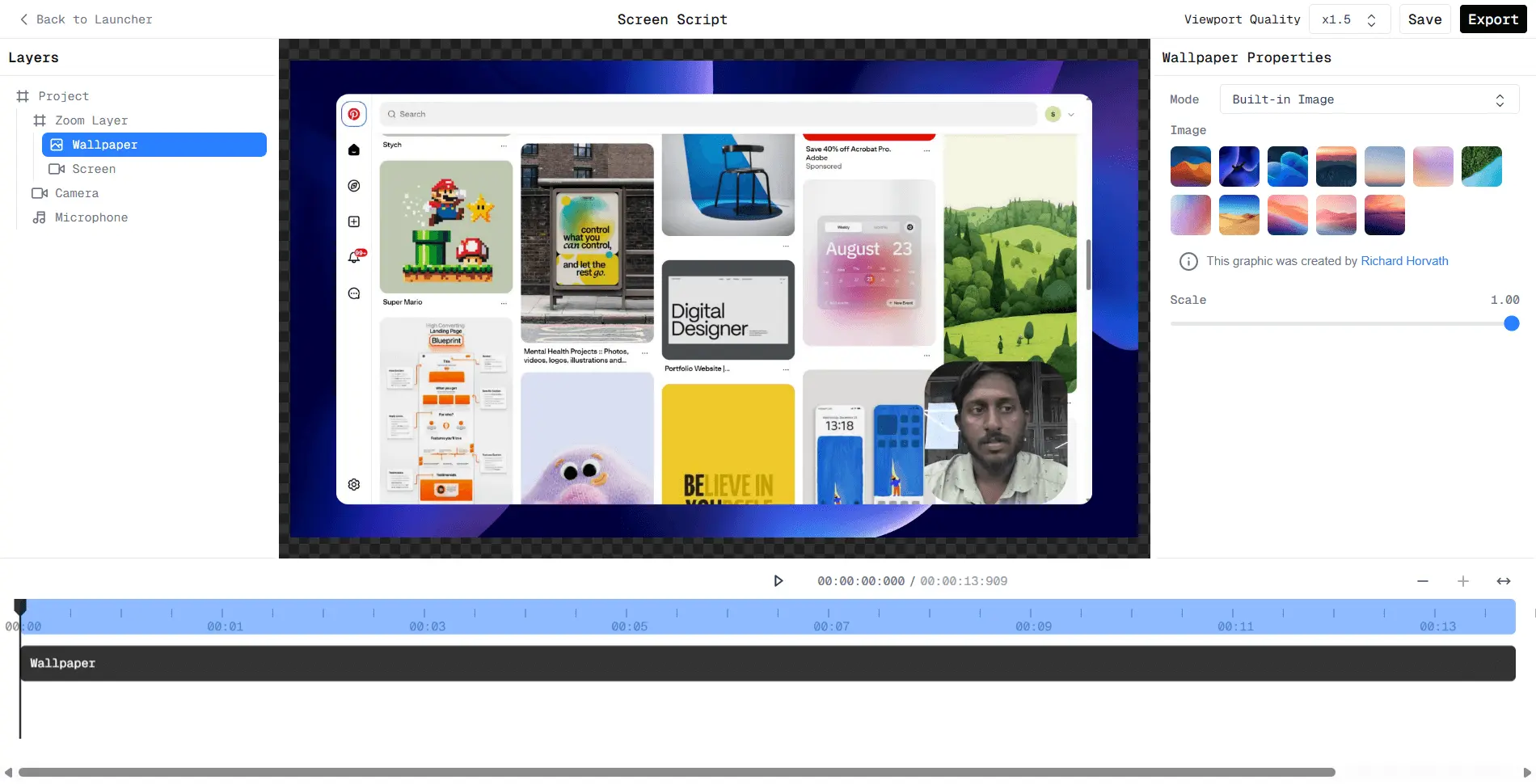 After recording, you’re taken to the editor and this is where Screen Script really shines. The design feels fresh and gives you a sense of complete control. Unlike many recording tools that limit customization to a few preset options, Screen Script lets you configure elements individually.
I particularly liked how you can position elements using x, y coordinates instead of fixed presets. It gives more freedom to fine-tune layouts.
One limitation is that it doesn’t capture mouse movements. While that might sound like a big omission, for short product demos (3–4 minutes), manually adding zooms works just fine. The team explained that browser restrictions prevent real-time mouse tracking, but they’re exploring creative workarounds.
The overall editing experience is intuitive especially if you’re familiar with VS Code or similar editors. The interface draws inspiration from hierarchical file structures, which feels surprisingly natural in a video editing context.
Some parts could still be improved. For example, when configuring zoom effects, the layer sometimes reactivates unexpectedly. It’s minor, but worth noting.
Export
The export window is clean and minimal, with an option to adjust resolution based on the chosen aspect ratio. One feature that caught my eye was Batch Size, which controls rendering speed.
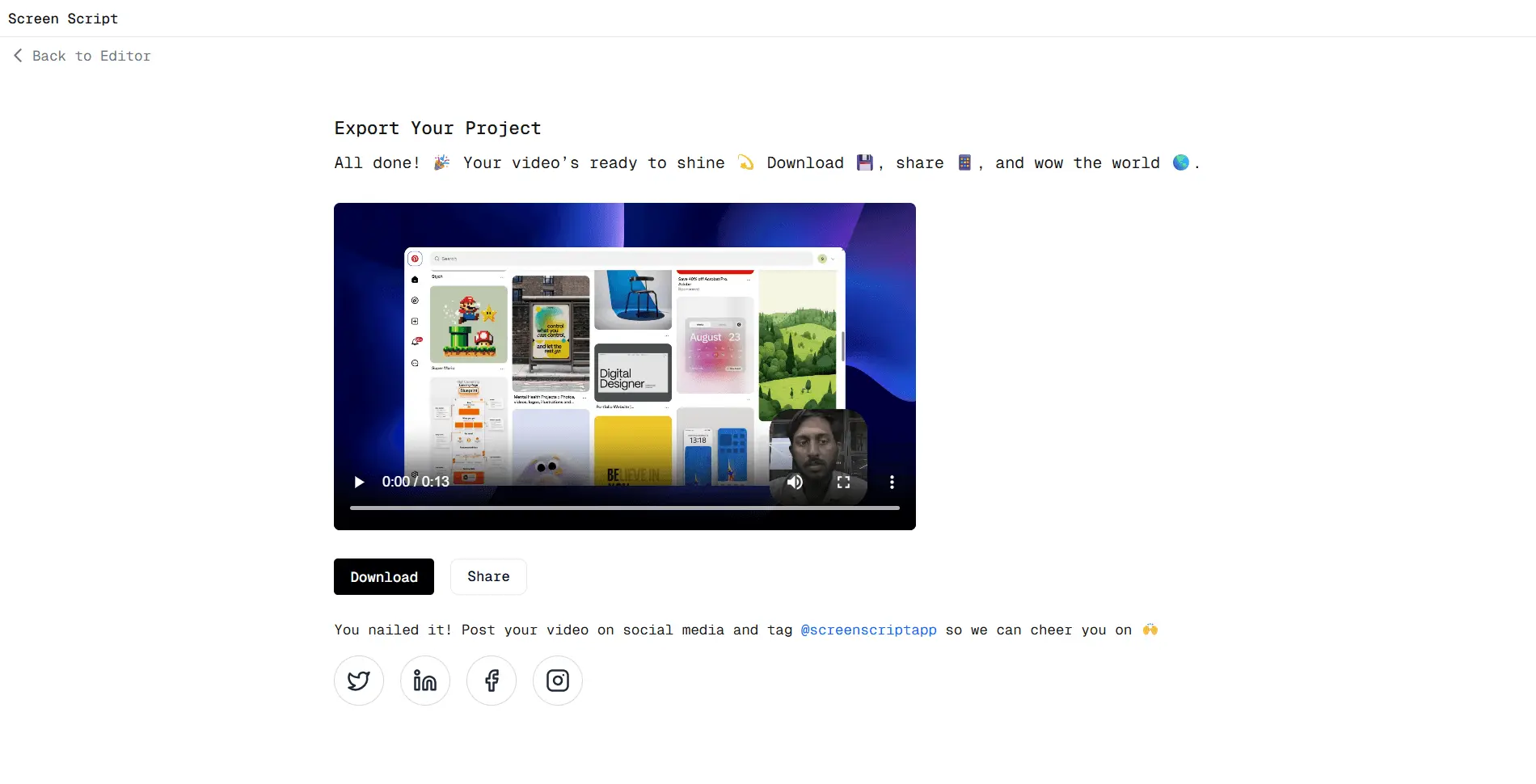
The developers mentioned that they’ve built a custom rendering engine instead of relying on FFmpeg. This approach gives them flexibility to add unique features, and they’re already exploring advanced capabilities like generating complex video compositions programmatically. That’s quite exciting.
Exporting was impressively fast. The output quality was excellent, and performance scales with your device’s specs. Adjusting batch size can also help render videos smoothly on lower-end systems.
Pricing
At the time of writing, Screen Script offered the following plans:
- Lifetime: $119.99
- Monthly: $15/month
- Yearly: $84/year ($7/month)
These prices are currently significantly lower compared to established alternatives such as Screen Studio, which costs $29 per month. The yearly plan strikes a good balance for most users, while the lifetime deal offers excellent long-term value given how quickly the product is improving. With their custom engine showing strong potential, prices may rise as the tool matures.
Discount Code
The team generously shared a 25% discount code for the first 10 users:
THANKYOUFOUNDOUT
Conclusion
Overall, Screen Script is a refreshing take on screen recording and editing. Its modern, web-based approach, intuitive design, and unique editor structure make it a compelling alternative to traditional tools. While features like mouse capture and zoom controls could use some refinement, the pace of development and openness of the team are reassuring.
If you’re looking for a lightweight, browser-based recording tool with powerful editing flexibility, Screen Script is absolutely worth trying especially while the lifetime deal lasts.